
Invite everyone with one link
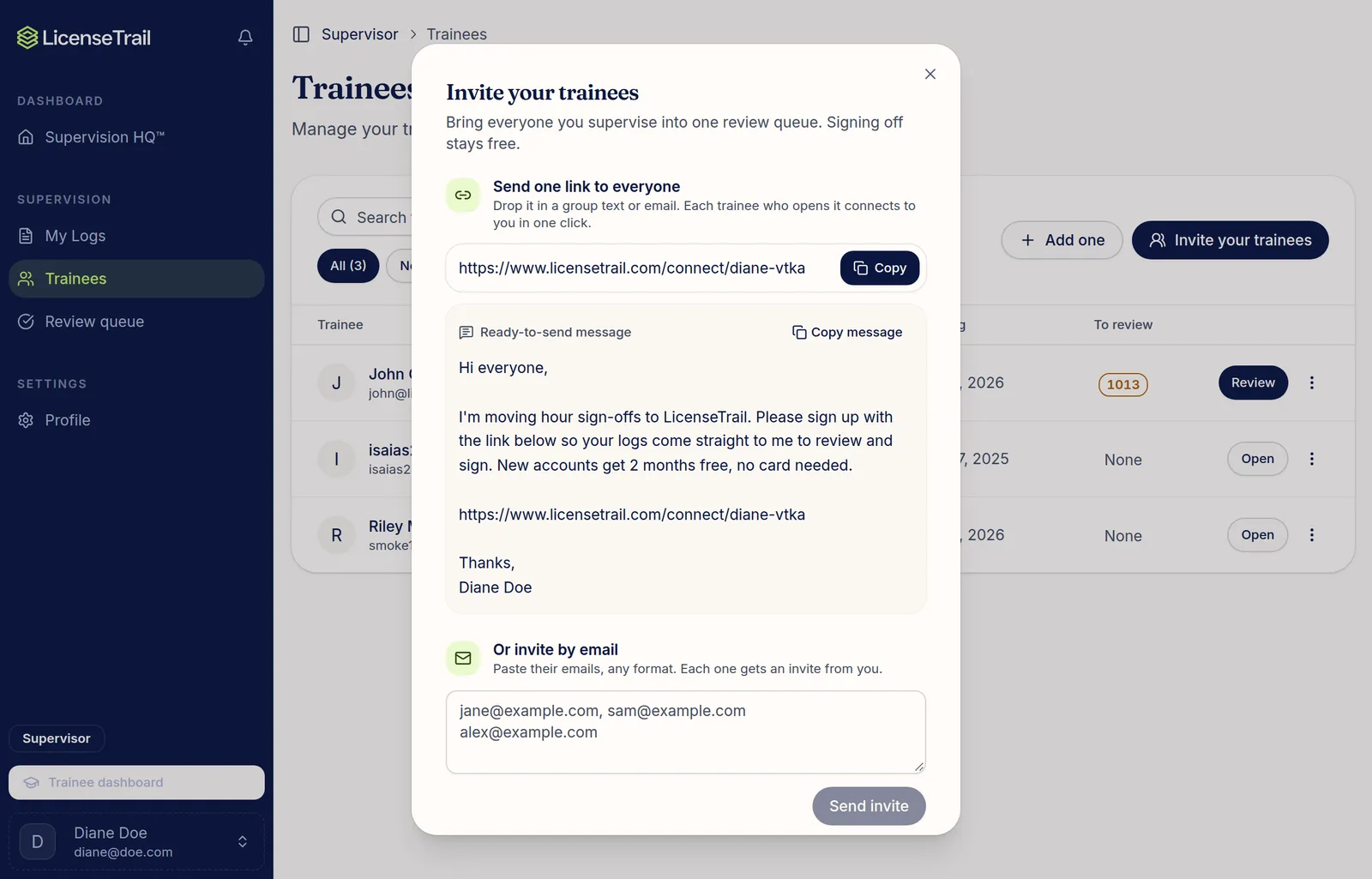
In the sidebar, click Trainees, then Invite your trainees. Copy your link or the ready-to-send message and share it in a group text or email. Anyone who opens it and signs up connects to you. You can also paste a list of emails to send each person an invite.
Add one trainee
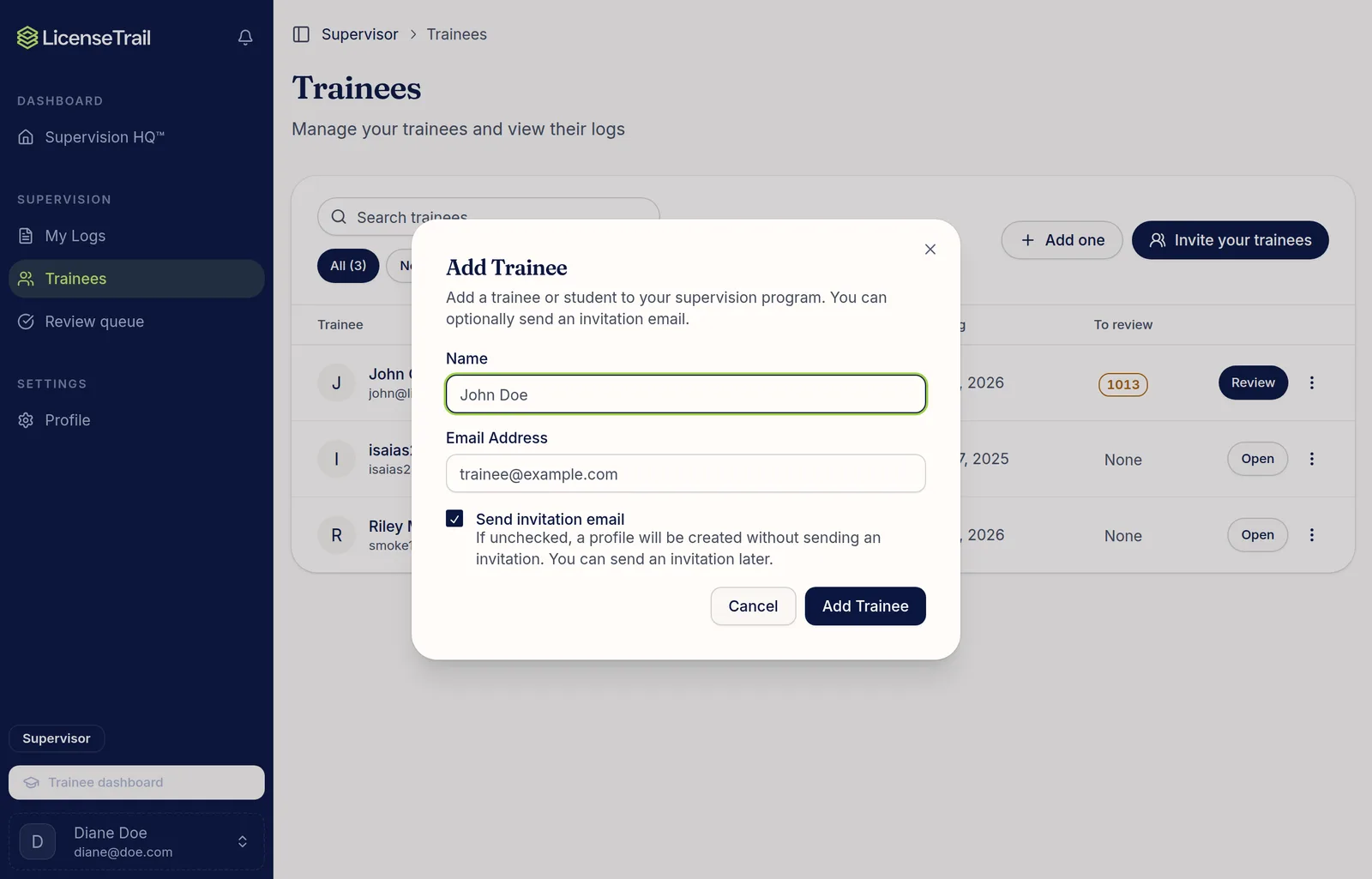
Click Add one and enter their name and email. Leave Send invitation email checked to invite them now, or uncheck it to add them and invite later.
What the statuses mean
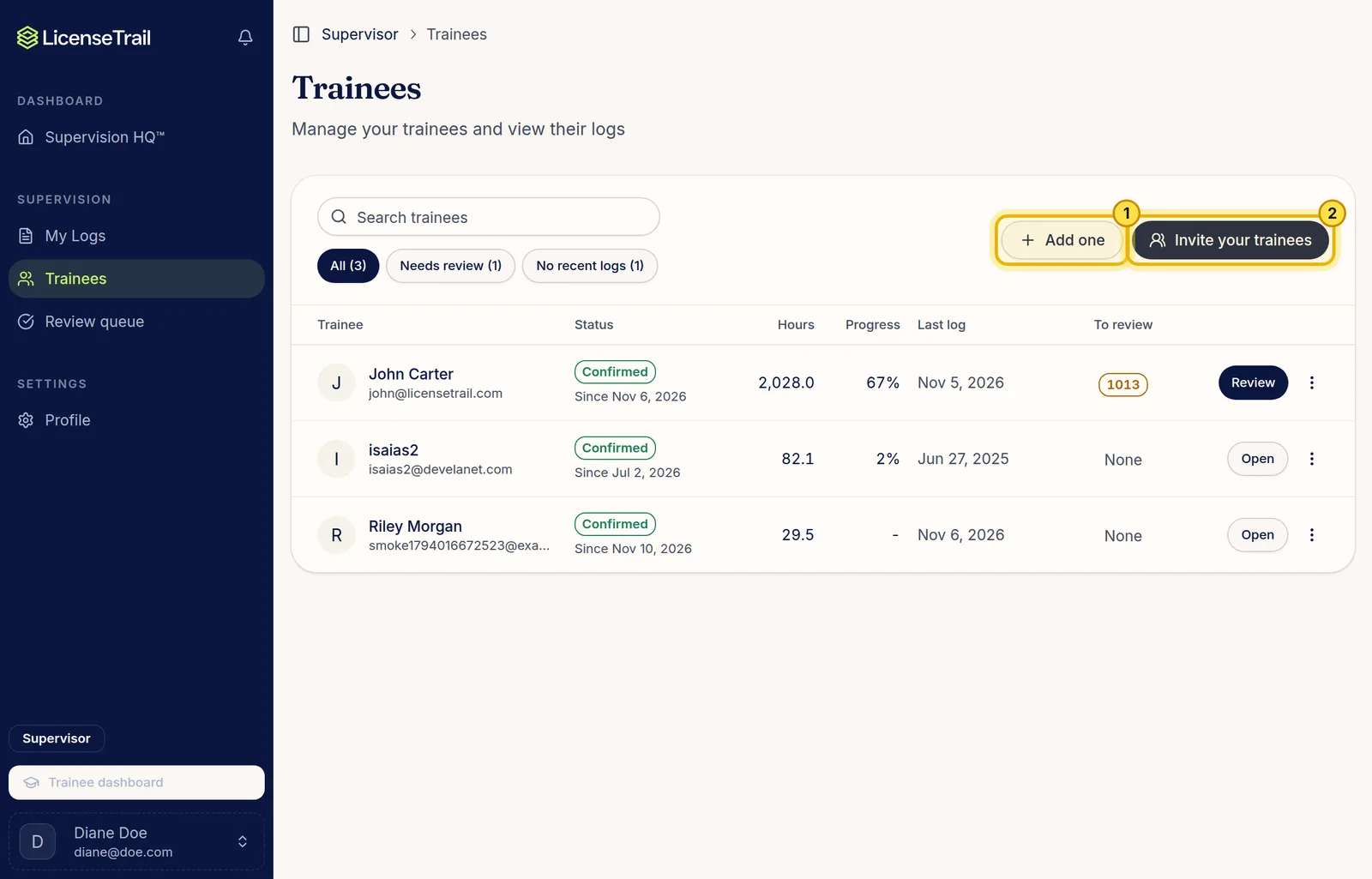
- Confirmed: they accepted. Their hours show up in your review queue.
- Pending: waiting for them to accept. They'll see your request when they sign in.
Good to know
- You see a trainee's hours only after they accept, and only the logs they tag to you (plus untagged logs from after you connected).
- You can log your own notes about a trainee any time, even before they accept, from My Logs.
- Use the menu at the end of a row to resend an invite or remove a trainee.